Samsung is Finally Fixing the Galaxy S26 Ultra Red Tint Display Issue: What You Need to Know
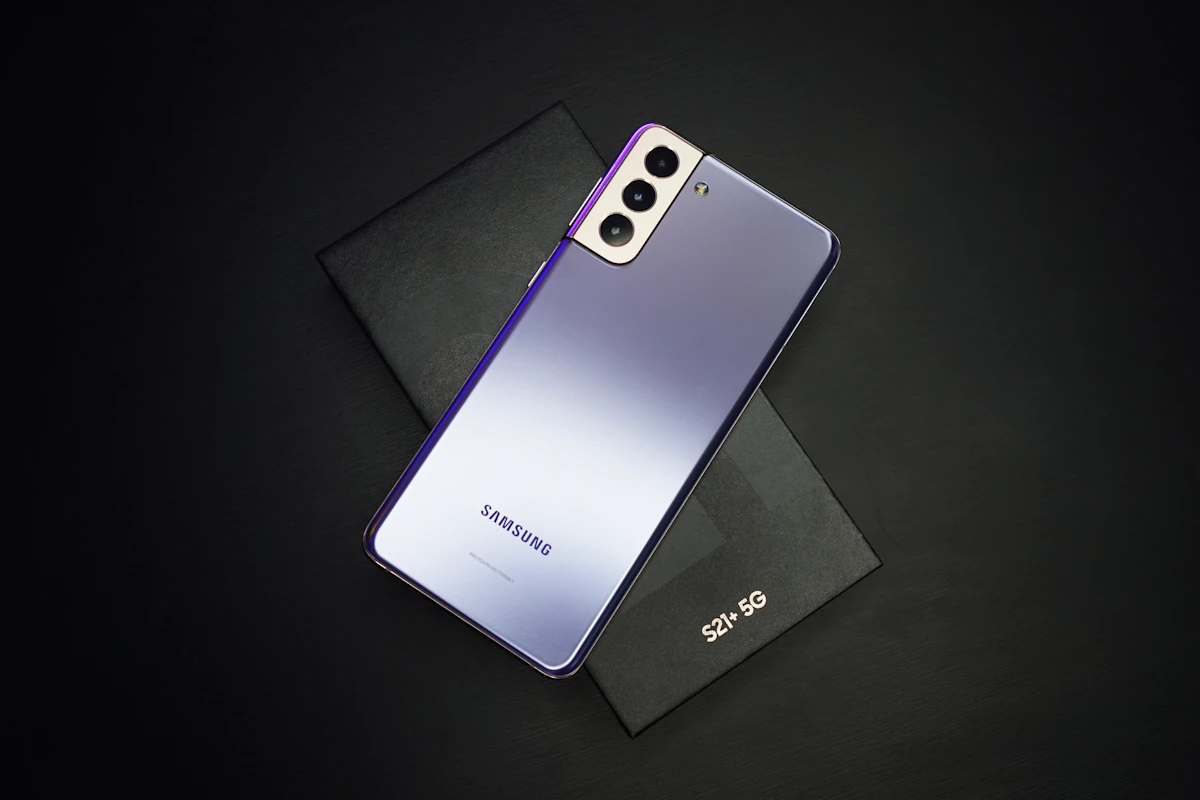
Few things match the sheer excitement of unboxing a top-tier, ultra-premium smartphone. You slide off the box lid, peel back the protective film, and power up what is supposed to be the best display on the planet. But for a significant number of Samsung Galaxy S26 Ultra owners, that excitement quickly turned to frustration. Instead of deep blacks and perfectly balanced grays, they were greeted by an annoying, uneven red tint stretching across their screens.
If you have been squinting at your phone in a dark room, wondering why your premium display looks like it has a faint red stain, we have some excellent news. Samsung is actively working on a fix, and relief is reportedly just around the corner. Let us break down what is happening, why this display bug occurred in the first place, and when your screen will finally return to its gorgeous, color-accurate self.
The Red Tint Trouble: What is Going On?
The Galaxy S26 Ultra is a powerhouse of a phone, boasting some of the most advanced screen tech available today. However, shortly after its launch, users started noticing something odd when using their devices in low-light environments. When the screen brightness was turned down—specifically when viewing dark gray backgrounds—portions of the display exhibited a noticeable red or reddish-purple discoloration.
This is not just a subtle shift in color temperature. It is a highly localized blotchiness, often referred to by the community as the "red stain" or "red tint" issue. It is particularly noticeable when you are lying in bed, scrolling through your social feeds, or reading an article in dark mode. Instead of clean, dark interfaces, parts of the display look warm and muddy, while others remain neutral.
For a phone that costs a premium, this is understandably a tough pill to swallow. Disappointed users flocked to Reddit, Samsung Community forums, and social media platforms to share photos of their discolored displays, wondering if they had received defective hardware.
Why Does This Discoloration Happen in OLED Screens?
To understand why this issue happens, we have to look under the hood at how modern OLED panels work. Unlike traditional LCD screens that use a single, uniform backlight, OLED displays control every single pixel individually. Each pixel contains red, green, and blue subpixels that light up to create the images you see.
When you drop your phone's brightness to very low levels, the amount of electrical voltage sent to these subpixels decreases drastically. Managing these tiny electrical currents with micro-precision is incredibly difficult. If the calibration is off by even a tiny fraction, one color can overpower the others. In this case, the red subpixels are drawing slightly too much power or firing too intensely at low luminance levels, resulting in that annoying red stain.
In the past, display discoloration was often blamed on "silicon lottery" or hardware defects. However, modern display controllers are incredibly smart. They rely on complex software algorithms and lookup tables to balance colors at every single brightness level, from 1 nit all the way up to peak brightness. If those software tables are not perfectly calibrated, you get visual bugs like the red tint.
When is the Fix Coming?
According to the latest reports from tech insiders and display analysts, Samsung has successfully diagnosed the root cause of the red tint issue. The solution is currently being bundled into an upcoming software update.
The fix is expected to arrive as part of the late August software update. While some users might feel a bit let down that they have to wait a little longer, it is reassuring to know that a permanent solution is on the way. Software rollouts usually happen in phases, so depending on your carrier and your geographic region, you might see the update hit your device in late August or early September.
Why Did it Take Samsung So Long to Address This?
If this is a simple software bug, why has it taken weeks—and in some cases, months—for a fix to materialize? It is a fair question, especially when you are dealing with a premium device.
The reality of modern smartphone software is incredibly complex. When a display issue is reported, engineers cannot just guess at a patch. They have to collect system logs from affected users, reproduce the issue in a controlled laboratory setting, and then write code that recalibrates the display controller.
Once the patch is written, it has to go through rigorous quality assurance testing. The last thing Samsung wants to do is release a rushed update that fixes the red tint but accidentally drains the battery or introduces a green line issue. After internal testing is complete, the update has to be sent to cellular carriers worldwide for certification. This multi-layered process is why display fixes often take some time to reach your phone.
How to Test Your Galaxy S26 Ultra Screen Right Now
Are you unsure if your phone is affected by the red tint bug? You can run a quick, simple test at home to find out. Here is how to do it:
- Go into a completely dark room or turn off all the lights.
- Pull down your notification shade and turn off Auto-Brightness.
- Manually slide your screen brightness down to about 10% to 15%.
- Open a clean, solid dark gray image or launch an app like Google Chrome in dark mode (which uses a dark gray background rather than pure black).
- Carefully inspect the screen. Look for any uneven patches of red, pink, or purple, especially along the edges or in the center.
If your screen looks perfectly uniform and gray, you are in the clear! If you see distinct, reddish patches that do not go away when you view the screen from different angles, your device is likely experiencing the calibration bug.
What Should You Do in the Meantime?
While you wait for the late August update to land on your Galaxy S26 Ultra, there are a few temporary workarounds you can use to minimize the visual impact of the red tint:
- Bump Up the Brightness: Since the red stain is most prominent at extremely low brightness levels, keeping your screen brightness slightly higher (around 20% to 25%) in dark environments can help mask the issue.
- Adjust Your Color Settings: Navigate to your display settings and play around with the screen mode. Switching from "Vivid" to "Natural," or manually adjusting the RGB sliders to turn down the red channel slightly, can offer temporary relief.
- Use Eye Comfort Shield: Turning on the Eye Comfort Shield or a blue light filter changes the overall color temperature of the screen. While this adds a warm hue to the entire display, it can make the localized red blotchiness less jarring and more uniform.
The Big Picture: Keeping the Crown
Samsung has built its reputation on delivering the absolute best mobile displays in the industry. In fact, they supply OLED panels to almost all of their major competitors, including Apple and Google. Because of this, any hiccup with their flagship displays is a big deal.
By addressing the Galaxy S26 Ultra red tint issue with a targeted software update, Samsung is looking to protect its display crown and reassure early adopters. While it is always frustrating to deal with bugs on a brand-new, expensive device, the fact that a software patch can resolve what looked like a hardware failure is a testament to how sophisticated modern display technology has become.
Keep a close eye on your system update menu over the next few weeks. Once that late August patch lands, install it immediately, run the dark-room test again, and enjoy the flawless, premium viewing experience you paid for.
Have you noticed the red tint issue on your Galaxy S26 Ultra display? Does it get on your nerves when you are browsing in the dark, or have you managed to ignore it? Let us know your experiences in the comments below!
Frequently Asked Questions
What is the Galaxy S26 Ultra red tint issue?
The red tint issue is a display calibration bug where parts of the Galaxy S26 Ultra screen show an uneven reddish or purple discoloration. This stain-like effect is most visible when viewing dark gray backgrounds at very low brightness levels in dark rooms.
Is the red display tint a hardware defect or a software bug?
The good news is that this is a software calibration issue rather than a physical hardware defect. Samsung is fixing the problem by updating the software controller tables that manage subpixel voltages at low brightness levels.
When will the update to fix the display issue be released?
The display fix is reportedly packaged inside the late August software update. Depending on your carrier and location, you should see this patch roll out to your device in late August or early September.
Can I fix the red tint myself before the update arrives?
While you cannot permanently fix it yourself, you can minimize the red tint by keeping your screen brightness slightly higher, adjusting your screen color settings to lower the red channel, or turning on the Eye Comfort Shield.
Will this upcoming update fix other display issues like screen graininess?
The upcoming late August patch is specifically designed to target the color calibration and red tint issue. Other display characteristics, such as OLED graininess at low brightness, are typically related to physical panel manufacturing and may not be completely resolved by this particular software patch.
Should I return my Galaxy S26 Ultra if it has this red stain?
Because the issue is software-based and a fix is coming very soon, there is no need to return or swap your phone. Installing the upcoming August update should return your display to its normal, balanced state.
Comments
Post a Comment